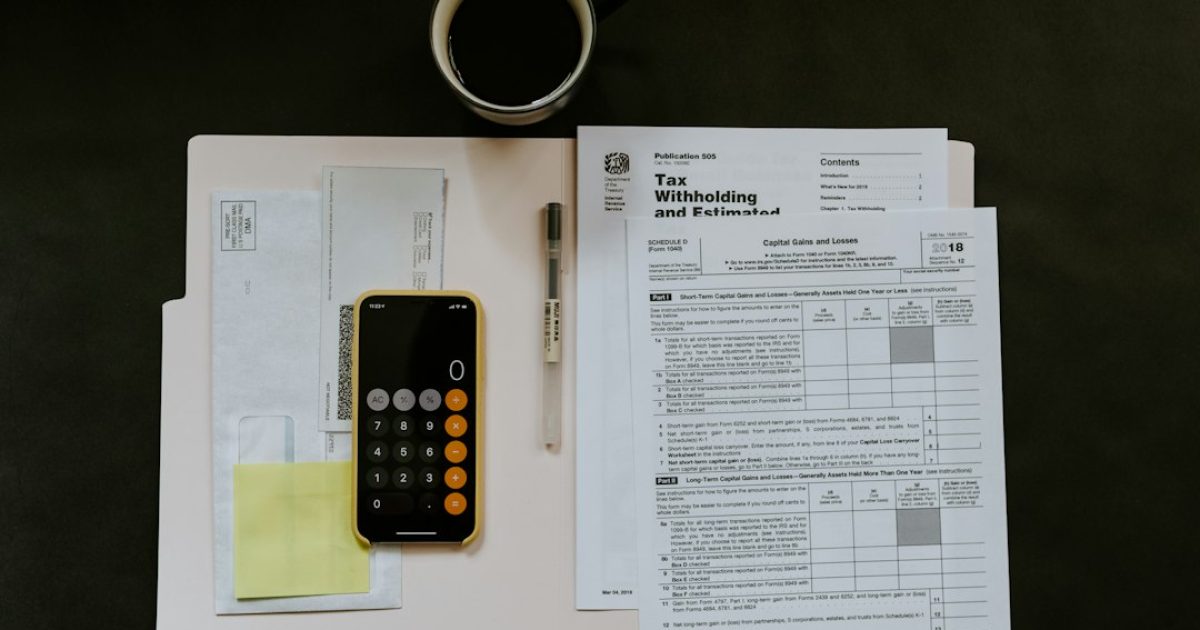
Why filing ITR is important for salaried employees
Even if your salary is below the taxable limit, filing an Income Tax Return (ITR) can help you prove your income, claim refunds, and avoid penalties. It also becomes essential when you need a loan, visa, or want to apply for government schemes.
When to file your ITR
The financial year in India runs from 1 April to 31 March. The filing window typically opens on 1 May and closes on 31 July for most salaried taxpayers. Filing early gives you a better chance to correct errors and receive any refund faster.
Documents you need before starting
- Form 16 – issued by your employer, shows salary, tax deducted, and exemptions.
- Salary slips for the year (optional but useful for verification).
- Form 26AS – consolidated tax statement from the Income Tax Department.
- Bank statements showing interest income, if any.
- Proof of deductions (e.g., rent receipts for HRA, investment proofs for Section 80C, medical insurance).
- PAN card and Aadhaar number.
Step-by-step process to file ITR online
1. Register on the Income Tax e‑filing portal
Visit incometax.gov.in and click “Register”. Choose “Individual” and provide your PAN, name, and date of birth. You will receive an OTP on your mobile and email for verification.
2. Choose the correct ITR form
Most salaried employees use ITR‑1 (Sahaj). If you have income from capital gains, foreign assets, or a business, you may need ITR‑2 or ITR‑3. The portal suggests the appropriate form based on the information you enter.
3. Fill in personal and pre‑filled details
After logging in, the portal auto‑populates basic details from your PAN and Form 26AS. Verify name, address, and bank account details. Correct any errors before proceeding.
4. Enter salary details
Copy the figures from Form 16: gross salary, tax deducted at source (TDS), and exempt allowances (HRA, LTA, etc.). The portal calculates taxable income automatically.
5. Add other income and deductions
- Interest from savings bank (up to ₹10,000 is tax‑exempt).
- Rental income, if you own a property.
- Deductions under Section 80C (PF, ELSS, PPF, life insurance), 80D (medical insurance), 80E (education loan interest), etc.
Enter the exact amounts and attach supporting documents if asked.
6. Verify tax payable or refund
The system shows whether you owe tax or are eligible for a refund. If tax is due, you can pay it instantly through net banking, credit/debit card, or UPI.
7. Review and submit
Use the “Preview” button to check every entry. Look for highlighted errors. Once satisfied, click “Submit”. You will receive an acknowledgement number (ITR V‑1).
8. E‑verification
Complete e‑verification within 120 days using one of the following methods:
- OTP on Aadhaar‑linked mobile.
- Net banking password.
- Digital signature certificate (DSC).
- Sending a signed ITR‑V form to the CPC, Bangalore.
After successful verification, your return is processed and you will receive a confirmation email.
Common mistakes to avoid
- Missing Form 26AS data – always download the latest statement before filing.
- Incorrect PAN or name mismatch – leads to rejection.
- Not declaring HRA or other exemptions properly – may increase tax liability.
- Failing to claim eligible deductions – you lose money.
- Delaying e‑verification – the return can be deemed invalid after 120 days.
How a tax advocate can help
If you encounter a notice from the Income Tax Department, have complex investments, or simply want peace of mind, a qualified tax advocate can guide you through the process, prepare the return accurately, and represent you in case of assessments.
Disclaimer: This article provides general information and does not constitute legal advice.
Photo by Kelly Sikkema on Unsplash